



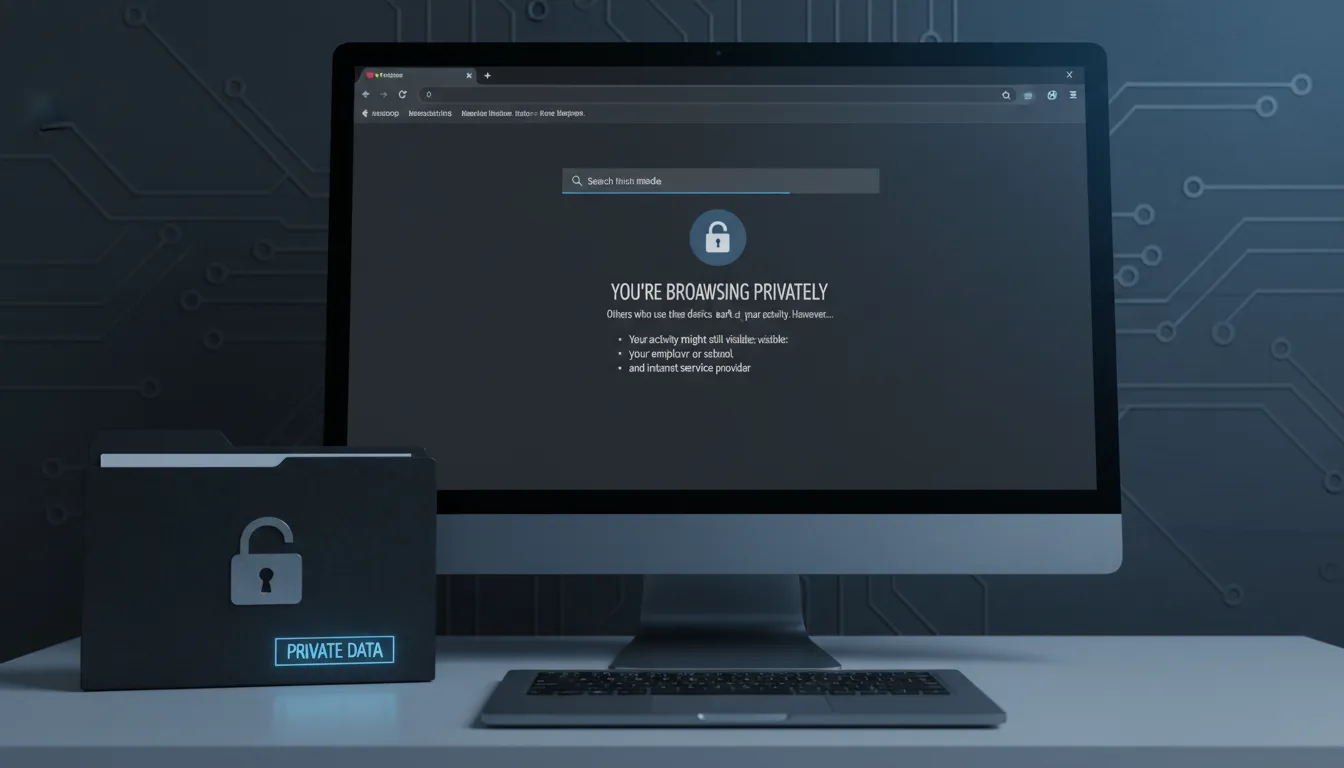
Myth vs. Fact: Is Incognito Mode Really Safe?
Explore the truth behind incognito mode safety and uncover the reality of online privacy protection in this insightful case study.
Many people think using incognito mode or private browsing keeps their online activities secret. But, the truth might be different. This section aims to clear up what people think about incognito mode safety and private browsing security. We will explore the myths and facts about these features.
Can incognito mode really offer the security and anonymity that many believe? Let’s discover the answer together.
Key Takeaways
- Incognito mode merely prevents your browser from saving your history.
- Private browsing does not make you completely anonymous online.
- Incognito mode provides no protection against tracking by websites and ISPs.
- Understanding the limitations of incognito mode is crucial for effective online privacy protection.
- Ensuring online safety often requires combining multiple privacy tools.
Understanding Incognito Mode and Private Browsing
In today’s digital world, online privacy is more important than ever. Every click and search leaves a digital footprint. This section explores incognito mode and private browsing, explaining how they work and their benefits.
What is Incognito Mode?
Incognito mode, also known as private browsing, is a feature in browsers like Google Chrome, Firefox, and Edge. It stops the browser from saving your browsing history, cookies, and form data. This makes it safer to browse anonymously, protecting your history from unauthorized access.
To start incognito mode, it’s easy. In Google Chrome, click the three-dot menu and choose “New Incognito Window.” In Firefox, pick “New Private Window” from the menu. This simple action unlocks the confidential browsing benefits incognito mode offers.
How Private Browsing Works
Private browsing isolates your session from usual storage. It starts a temporary session that doesn’t save your history or cookies. When you close it, all data is erased, leaving no trace of your activity.
But, it’s important to remember that incognito mode doesn’t mean complete anonymity. It reduces local storage of your browsing, but your activity can still be seen by websites, your ISP, and network admins on shared networks.
Incognito mode keeps your sessions separate from others, offering a clean start each time. But, knowing its limits is key to using it effectively for privacy.
The Common Misconceptions About Incognito Mode
Many people believe wrong things about incognito mode. These beliefs can harm our online privacy. We will look at two big myths and clear them up.
Myth: Incognito Mode Makes You Completely Anonymous
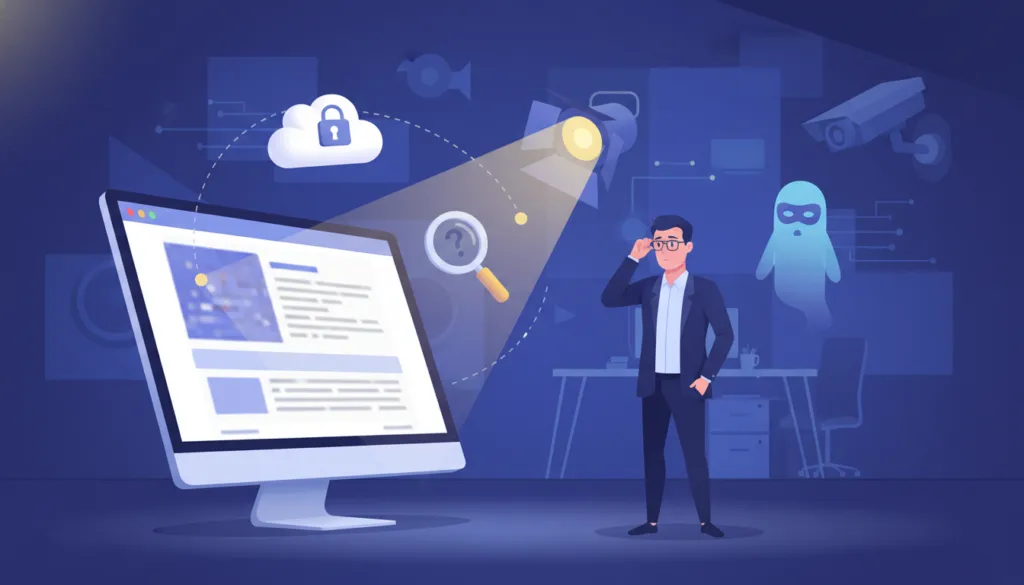
Many think incognito mode makes them completely hidden online. This is a big private browsing misconception. Incognito mode just stops your browser from saving your history and cookies. But, websites, your ISP, and even your boss can still see what you’re doing.
Tracking methods can still follow you, showing incognito mode doesn’t offer full privacy.
Myth: Incognito Mode Protects Against All Tracking
Another false belief is that incognito mode blocks all tracking. It’s true it stops your browser from saving your activities. But, it doesn’t stop websites, ads, or ISPs from watching you. This is another private browsing misconception.
To really protect your privacy, you need more tools like VPNs and tracker blockers.
| Misconception | Reality |
|---|---|
| Incognito mode makes you completely anonymous | Incognito mode only prevents local browsing records; websites and ISPs can still track you. |
| Incognito mode protects against all tracking | While local tracking is disabled, website analytics and ISPs can still monitor your activities. |
The Reality of Incognito Mode Safety
Incognito mode is often seen as a way to keep your browsing private. But, it’s important to know what it really does and what it doesn’t. It doesn’t save your browsing history or cookies, but it’s not enough to keep you completely safe online.
Incognito mode helps keep your browsing private for a short time. But, it doesn’t hide you from websites, your Internet Service Provider (ISP), or trackers. They can still see what you’re doing, even when you’re in incognito mode.
Experts say incognito mode is good for some privacy, but it’s not perfect. It doesn’t stop all monitoring or tracking. So, it’s key to understand its limits if you think it makes you completely safe.
To really protect yourself online, you need more than just incognito mode. Use it with other tools to keep your browsing safe and private.
How Websites and ISPs Track You Even in Incognito Mode
Many people use incognito mode to keep their browsing private. But, this mode doesn’t always protect you from online user tracking. Websites and ISPs have found ways to track your activities, even when you think you’re anonymous.
Tracking Technologies Beyond Cookies
Cookies are known for tracking, but websites use more than just cookies. They also use:
- Web Beacons: Small, often transparent graphics embedded into web pages or emails, designed to gather information about your interaction with content.
- Fingerprinting: By collecting data about your device’s configurations, websites can create a unique “fingerprint” for persistent tracking across sessions.
- Local Storage: A more robust version of cookies stored directly in your browser, which can retain more data and persist even after you close your browser.

The Role of IP Addresses
Your IP address is like your digital home address on the internet. ISPs and websites can use it to track you, even in incognito mode. Every time you connect, your IP address is logged, leaving a trail of your online activities.
| Tracking Method | Mechanism | Can it Bypass Incognito Mode? |
|---|---|---|
| Cookies | Stores data on the user’s device | Sometimes |
| Web Beacons | Embedded in web pages/emails | Yes |
| Fingerprinting | Device and configuration data | Yes |
| Local Storage | Stores more data in browser storage | Yes |
| IP Addresses | Logs connection points | Yes |
Knowing about these incognito mode limitations helps you protect your online privacy better. It’s important to understand the different ways online user tracking works to keep your digital life private.
Limitations of Incognito Mode for Online Privacy Protection
Many people use incognito mode to keep their browsing private. But, it has some big limits that you need to know to keep your info safe.

Data Still Accessible by Networks
Incognito mode can’t stop networks from seeing your data. This means ISPs, governments, or network admins can still see what you’re doing online. They can catch URLs, site data, and even your search queries.
Potential Browser Fingerprinting
Incognito mode also has a big problem with browser fingerprinting. This method collects lots of info about your browser, like plugins and fonts. It can even figure out your screen size. This makes it easy to track you, even when you’re in incognito mode. Knowing these limits shows why you need more ways to protect your online privacy.
Comparing Incognito Mode with Other Security Tools
Incognito mode gives you some privacy by not saving your browsing history. But, it’s not as good as other security tools. To really protect your online privacy, you should look into VPNs, the Tor browser, and security extensions.
VPNs: A Better Alternative?
Virtual Private Networks (VPNs) offer better privacy than incognito mode. They encrypt your data and hide your IP address. This means your data is safe from your ISP and hackers.
VPNs work by sending your internet traffic through a secure server. This makes them a stronger choice for keeping your online activities private.
Tor Browser: Achieving Higher Anonymity
The Tor browser takes your anonymity to the next level. It uses onion routing for extra encryption. This makes it hard for anyone to track your online activities.
If you want the highest level of anonymity, Tor is a better choice than incognito mode.
Using Security Extensions
Security extensions can also boost your online privacy. Tools like HTTPS Everywhere, Privacy Badger, and uBlock Origin block bad websites and trackers. They ensure your connections are secure.
Using these extensions with incognito mode can greatly improve your online security. It makes it harder for trackers to follow you.
Best Practices for Secure Web Browsing
The internet can be a dangerous place. But, following online safety tips can keep you safe. Secure web browsing means more than just one tool. It’s about using many ways to protect your privacy online.
Combining Different Privacy Tools
Using different privacy tools is key to better online security. Incognito mode keeps your browsing history private. But, using a VPN also hides your IP address. Adding security extensions like ad-blockers or anti-tracking tools helps too.
By using these tools together, you create a strong defense against online dangers.
Avoiding Suspicious Websites
Staying away from shady websites is also important. Always look for HTTPS in the URL to know if a site is secure. Don’t click on links or download files from unknown places. These steps help avoid malware and phishing.
Private Mode Advantages and Disadvantages
When looking at private mode, it’s important to weigh its good points and bad. A big plus is that it lets you log out fast without leaving any tracks. This stops others from getting into your session data by mistake. Also, it’s great for clearing your cookies and history from the current session.
But, private mode has its downsides. It might make you feel like you’re hiding your browsing, but you’re not really anonymous online. Your ISP and websites can still see what you’re doing because of your IP address. So, incognito mode doesn’t really protect your online privacy fully.
Here’s a clear comparison to summarize the private mode pros and cons:
| Advantages | Disadvantages |
|---|---|
| Quickly logs out of accounts | Does not hide your IP address |
| Clears session data automatically | ISPs and websites can still track you |
| No local browser history | Limited online privacy protection |
Understanding the good and bad of private mode helps you decide if it’s right for you. It’s handy in some ways, but it’s not enough for complete online privacy. For better protection, you might want to think about using VPNs or the Tor Browser.
Case Studies: Real-World Implications of Using Incognito Mode
In today’s digital world, many use incognito mode to keep their browsing private. But, incognito mode case studies show its limits. This section looks at how these limits affect us through corporate spying and personal privacy breaches.
Corporate Surveillance Cases
Many incognito mode case studies show it doesn’t stop corporate eyes. Big companies use advanced tracking to watch what employees do, even when they think incognito mode hides them. These stories show the difference between what we think is private and what really is.
Personal Stories from Privacy Breaches
Many people have shared how they were spied on, even with incognito mode on. In these privacy breach incidents, users found their browsing history shared with others. This led to ads and misuse of their data. Their stories stress the need for better privacy tools than just incognito mode.
Conclusion
As we wrap up our deep dive into private browsing, let’s summarize the main points. Many think incognito mode means total privacy. But, it doesn’t block all tracking and surveillance.
It’s important to know what incognito mode can and can’t do. Websites and ISPs can still track you, even in incognito mode. This is because they can use advanced tracking and see your IP address.
Looking at other privacy tools like VPNs, Tor Browser, and security extensions shows a better way. Using these tools together with safe browsing habits is more effective. This way, you can protect your online safety better.
In short, for real online safety, you need more than just incognito mode. Using different tools and being careful online is the best way to keep your digital life safe.